
Hardware Specifications
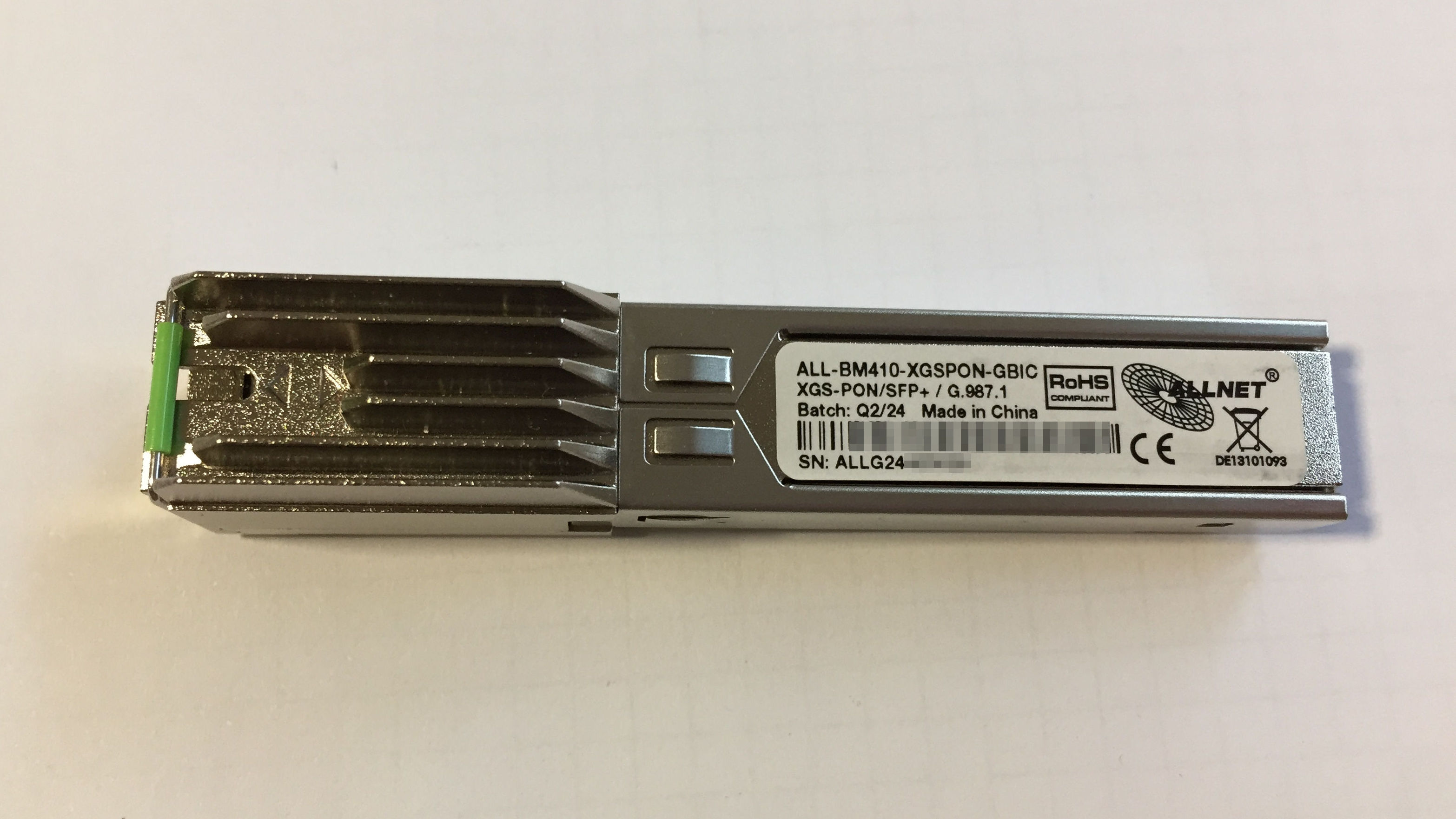
| Vendor/Brand | ALLNET |
| Model | ALL-BM410-XGSPON-GBIC |
| ODM | CIG |
| Chipset | Cortina CA8271A |
| Flash | 128 MB (MX35LF1GE4 |
| RAM | 128 MB |
| CPU | Taroko V0.2 (MIPS) |
| CPU Clock | 500MHz |
| Bootloader | SATURN u-boot |
| System | Custom Yocto Linux by Cortina (Saturn SDK) based on Kernel 4.4 Saturn-sfpplus-r1 |
| Optics | SC/APC |
| IP address | 192.168.100.1/24 |
| Web Gui | ❌ no |
| SSH | ❌ no |
| Telnet | ✅ yes |
| Serial | untested |
| Form Factor | miniONT SFP |
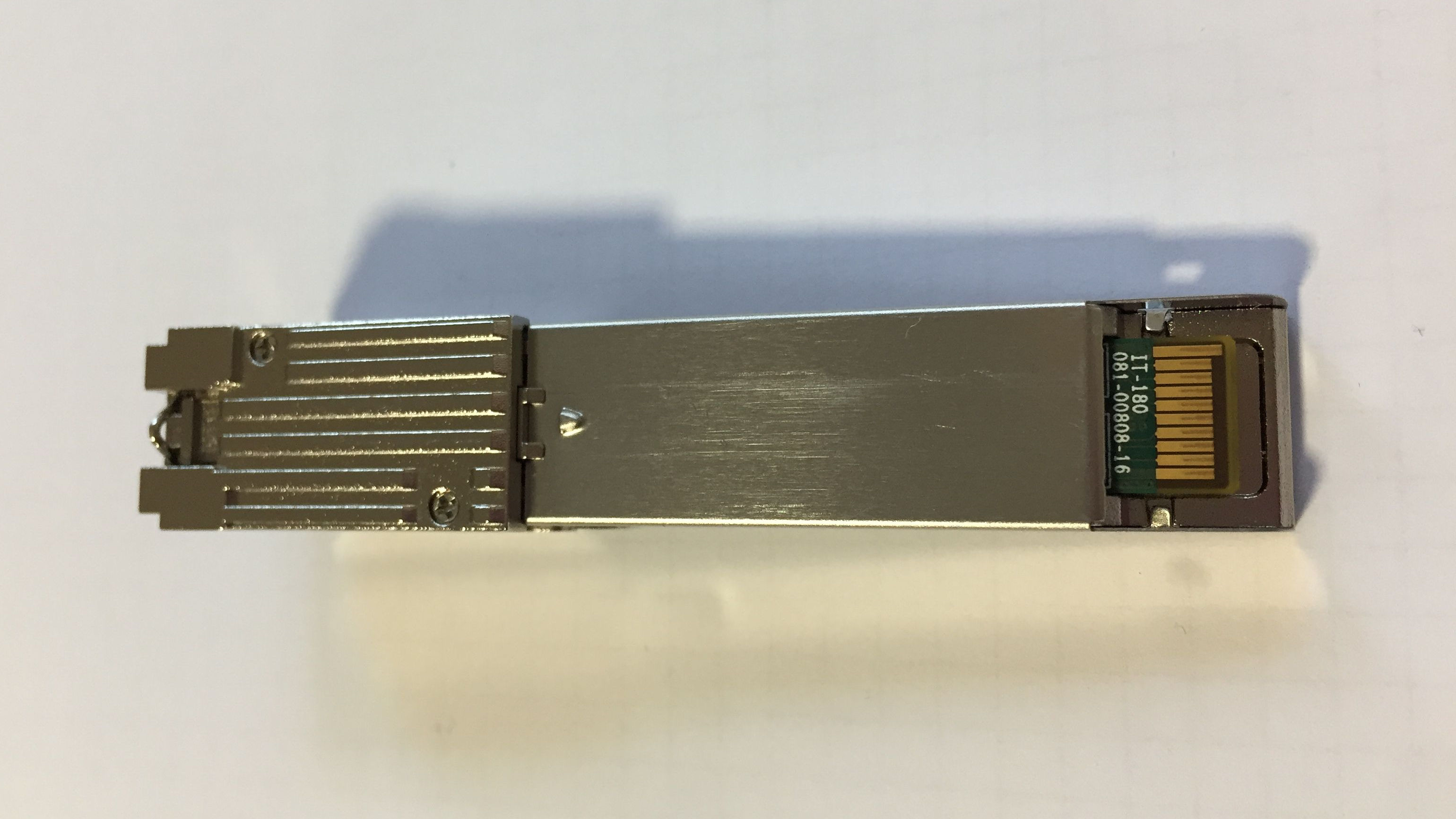
This SFP module is made by CIG, it also has a CIG MAC address, and is identical to the FS XGS-ONU-25-20NI. See also its page for further information.
Login via Telnet
The SFP module has a telnetd running on 192.168.100.1 port 23. To connect to its IP a fibre cable has to be connected!
| User | Password (Enable Password) |
|---|---|
SN (ALLGNNNNNNNN) | 8 digit HMAC-MD5 based on Uppercase SN |
Use the following form to generate the password:
After logging in via Telnet, you will first access the MiniShell with user privileges:
ONT>To do anything at all, you have to enter the elevated shell, i.e. execute the enable command:
ONT> enable
#ONT>
Change the GPON serial number
The default GPON serial number is ALLGYYXNNNNN and is equal to the serial number printed on the label of the SFP+ module.
(ALLG = vendor, YY = manufacturing year, X = manufacturing month maybe, NNNNN = sequential number)
When connected via Telnet (and enabled) the GPON serial number can be read and changed using the /system/misc/eqsn command. A reboot is required for the changes to take effect.
ATTENTION: changing the GPON serial number will also change the Telnet login username and password.
e.g. to change the GPON serial number from ALLG24NNNNNN to AAAANNNNNNNN:
#ONT>/system/misc/eqsn get
eqsn: ALLG24NNNNNN
#ONT>/system/misc/eqsn set "AAAANNNNNNNN"
---ATECMDRESULT--- OK
#ONT>/system/shell/
#ONT/system/shell>reboot
The GPON serial number currently in use can be seen with the /traffic/pon/show onu command:
#ONT>/traffic/pon/show onu

------------------------- ONU INFO --------------------------

Onu id 65535
sdThreshold:   0
sfThreshold:   0
TO1:   80000
TO2:   1
eqd:   0
Serial Number(vendor code): ALLG
Serial Number(sn):          24401234
Password:                   41 42 43 44 45 46 47 48 49 4a
Registration ID:           0x44454641554c540000000000000000000000000000000000000000000000000000000000
------------------------- INFO END --------------------------
Linux root shell
Linux shell commands (including sh) can be executed from the /system/shell menu:
#ONT>/system/shell
#ONT/system/shell>uname -a
Linux saturn-sfpplus-eng 4.4.198.saturn-sfpplus-r1.0.2.8 #1 Mon Feb 5 13:34:49 CST 2024 mips GNU/Linux
#ONT/system/shell>whoami
root
#ONT>sh
/ #